The AI note taker for Mac that stays on your Mac.
A native app for any call. Needs macOS 14.2 or later.
- No bot joins the meeting
- AI runs locally, works offline
- No account, no cloud by default
Your Mac can already hear both sides of the call.
One macOS permission. No screen recording, no audio cable.
How it works
From call to notes in three steps.
- 01
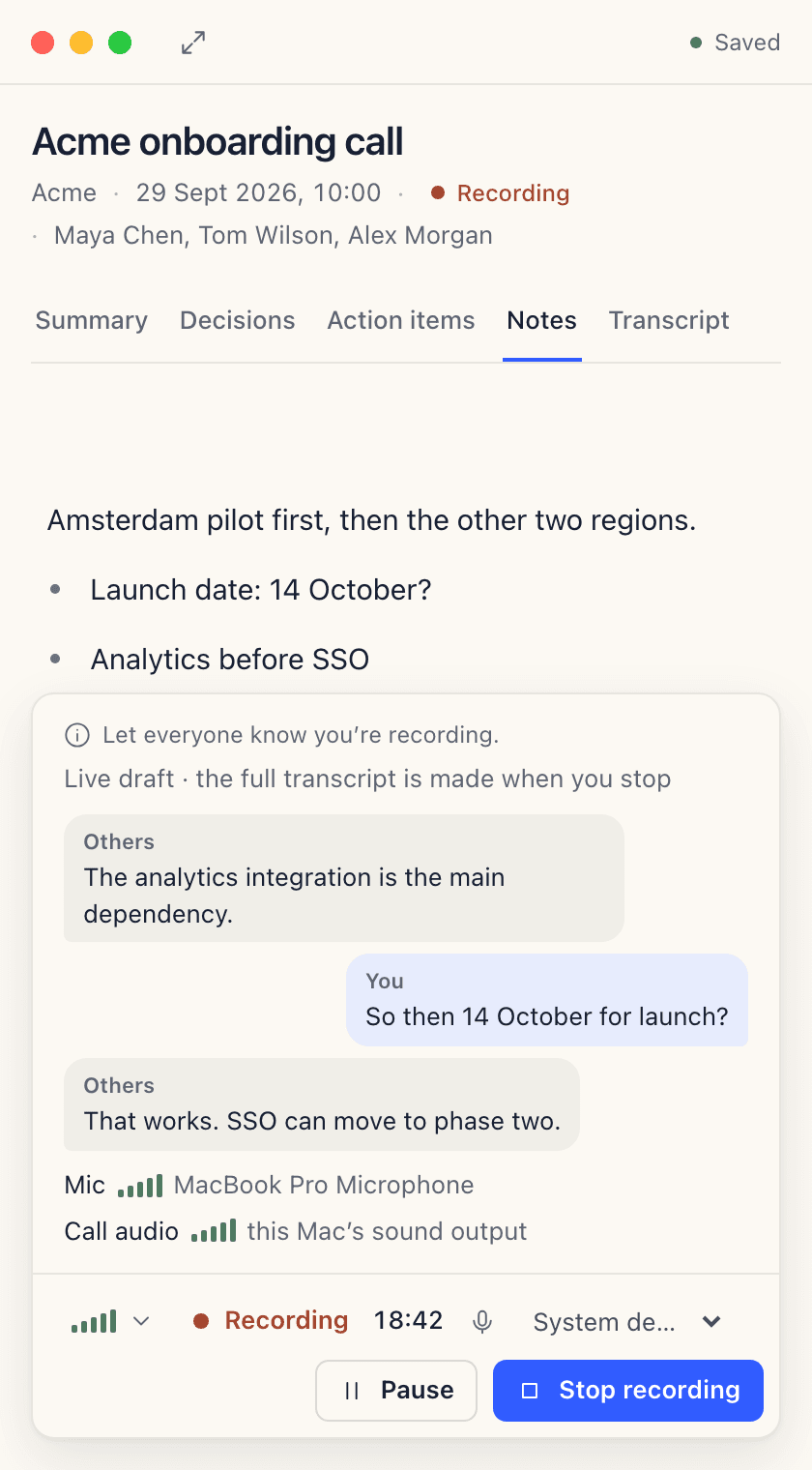
Press start
Start recording when the meeting begins. Nothing records before that.
- 02
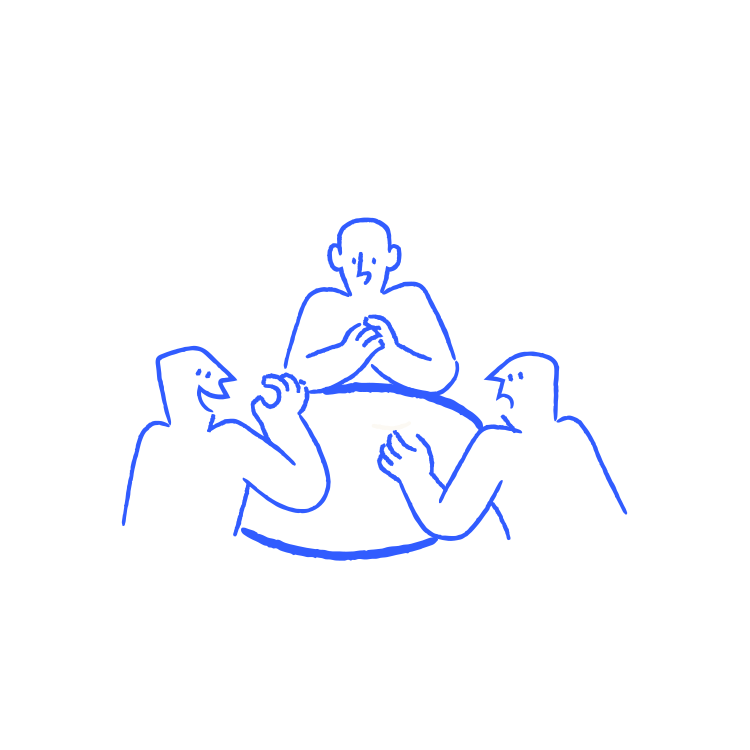
Meet as usual
Zoom, Google Meet, Teams or any call on your computer.
- 03
Read your notes
A short summary, the decisions made, and action items with owners.
The notes
One short note per call.
What was decided, who does what, and by when.
Acme onboarding call
Summary
Acme is ready to move into implementation. Onboarding moves to 14 October so engineering can finish the analytics integration first.
Decisions
- Move onboarding to 14 October
- Ship analytics in the first release; SSO follows in phase two
Action items
- Send Acme the updated onboarding planMaya Chen2 Oct
- Finish the analytics integrationTom Wilson9 Oct
- Book the SSO scoping call with AcmeAlex Morgan16 Oct
Who it’s for
For people whose calls happen on a Mac.

Consultants and advisors
One app for every client call, whatever platform they use.
Writers and researchers
Record interviews live, or import voice memos and lectures.

Sales teams on Macs
No bot in the participant list. Action items after the call.
Mac users who’d rather not add a bot
Nothing joins the meeting. Nothing records until you press start.
In your control
Nothing records until you press start.
Tell people you’re recording. Recording rules differ by country and organization.
Start
Recording begins only when you start it.
Stop
Only what you recorded becomes notes.
Compared
How QuietNote compares
QuietNote next to the AI note takers people use most, based on each vendor’s own pricing, security and privacy pages.
| QuietNote |  Fireflies |  Otter |  Granola | |
|---|---|---|---|---|
| No bot joins the call | Yes | Partly: Chrome extension only | No | Yes |
| Transcribed on your computer | Yes | No | No | No |
| Works offline | Yes | No | No | No |
| No account needed | Yes | No | No | No |
| Keeps the recording | Yes | Yes | Yes | No |
| Phone apps | No | Yes | Yes | Yes |
Checked in October 2026. Plans change, so see each guide for current prices and sources: Fireflies, Otter, Granola.
Guides
Compare QuietNote
What the well-known AI note takers cost, why people switch, and how to get their bots out of your meetings. Every price is dated and sourced.
Alternatives
Pricing
One plan. Everything included.
One price with every feature in it, and no tiers to compare.
QuietNote
Every feature, on your own computer.
€4/month€8/month after launch
No payment today. We’ll email you before launch.
- No bot joins the call
- Transcribed on your computer
- Works offline
- No account needed
- Summaries, decisions, action items
- Notes as Markdown files
- Zoom, Meet, Teams and more
- Mac, Windows coming
Waitlist offer
50% off
for lifeEveryone who joins the waitlist before launch keeps half price for as long as they stay subscribed.
Questions
Common questions
Does it run on Apple Silicon or Intel Macs?
QuietNote needs macOS 14.2 or later. The release notes for the first signed release will list the Macs it has been tested on.
Does QuietNote need screen recording permission?
No. It records your Mac’s audio through macOS’s system audio recording permission, which is separate from screen recording, and it asks for microphone access. Nothing on your screen is captured.
Which apps can it record?
Any call your Mac plays, including Zoom, Google Meet, Microsoft Teams, FaceTime, a browser tab or a webinar. QuietNote records your microphone and the system audio instead of connecting to the meeting platform, so there is nothing to set up for each app.
Can it transcribe an audio or video file I already have?
Yes. Import a recording in a common audio or video format and it’s transcribed on your Mac with the same Whisper model, into the same kind of Markdown note.
Does QuietNote work offline?
Yes. Recording and transcription always run offline. Summaries are optional: with a local model in Ollama, nothing leaves your computer. If you choose Claude instead, only the transcript text is sent, with your own Anthropic key, and only when you ask.
Where do my notes end up?
In a folder you choose, as plain Markdown files with the audio alongside. You can open them in any editor, keep the folder in iCloud Drive or Dropbox, or search them inside QuietNote. There is no account and no QuietNote server.
Is there a Windows version?
Not yet. A Windows version is in progress. For now QuietNote is Mac only, on macOS 14.2 or later.
Does a bot join my meeting?
No. QuietNote records from your own computer, so nobody new appears in the participant list.
Be first to try QuietNote.
Private by default, with no bot in the call. Coming soon for Mac, with Windows to follow.